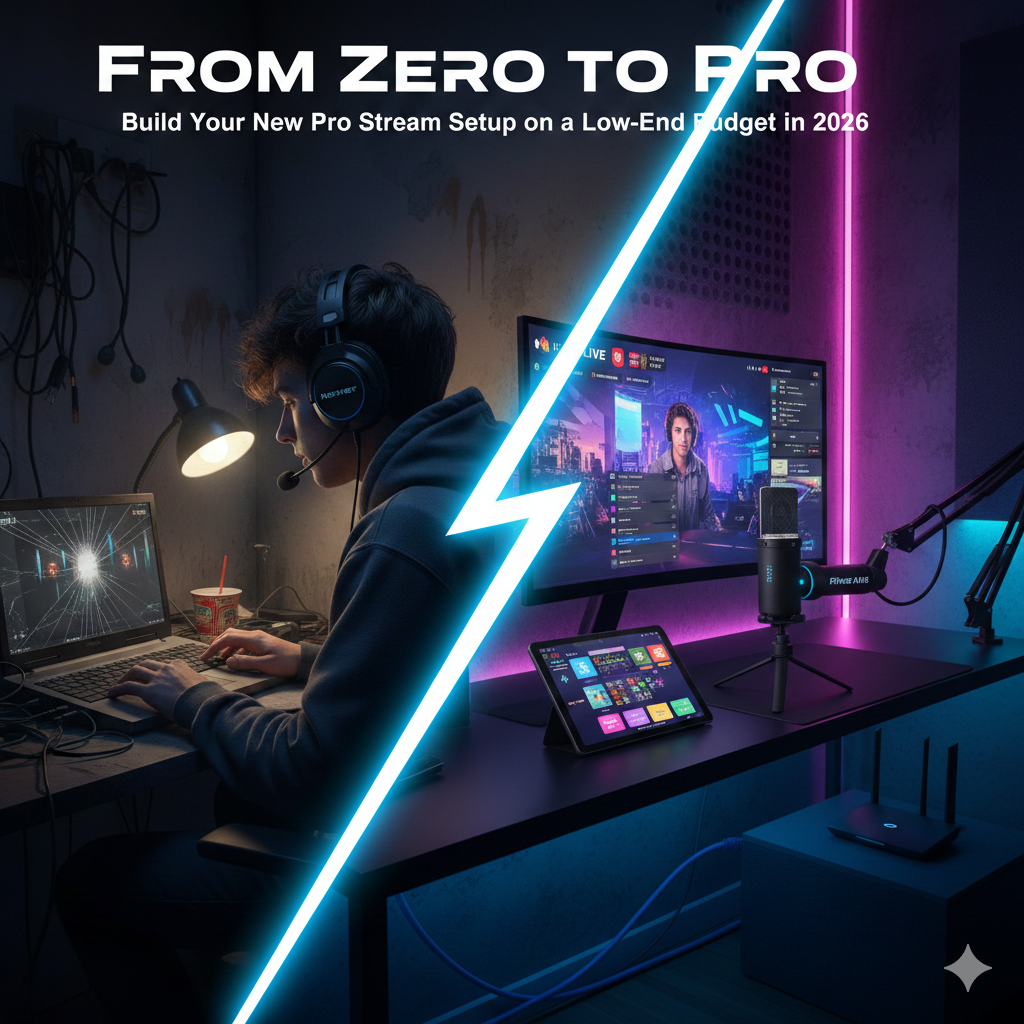
Pro Stream Setup: Building a professional-grade streaming setup in 2026 doesn’t require a Hollywood budget. With the rise of AI-enhanced software and high-quality “prosumer” gear, the barrier to entry has never been lower.
Table of Contents
Pro Stream Setup: The Ultimate Budget Streaming Guide
Whether you’re aiming for Twitch, YouTube, or TikTok, here is the ultimate guide to building a high-impact, low-cost pro-streamer setup.
1. The Core: Performance Without the “Gamer Tax”
Your computer is the engine. In 2026, you don’t need a $4,000 rig to stream 1080p at 60fps. The secret is Hardware Encoding.
- The Smart Strategy: Instead of chasing the highest-end CPU, prioritize a GPU with a dedicated encoder (like NVIDIA’s NVENC). This offloads the heavy lifting from your processor, preventing game lag.
- The Budget Hero: A mid-range PC with an RTX 4060 and 16GB of RAM is the “sweet spot.”
- The Pro Hack: If you have an old laptop lying around, use a budget capture card (like the AVerMedia Live Gamer Extreme 3) to create a Dual-PC setup. Your old laptop handles the stream, while your main PC focuses entirely on the game.
2. Audio: The “Make or Break” Element
Viewers will tolerate average video, but they will leave immediately if your audio is scratchy or echoing.
- The Gear: Skip the “gaming headsets” with mediocre mics. Go for a dedicated USB Dynamic Microphone.
- Budget Choice: Fifine AM8. It’s an XLR/USB hybrid, meaning you can upgrade to a mixer later, but it sounds professional right out of the box.
- The Environment: You don’t need expensive foam panels. A rug on the floor, some curtains, and even a bookshelf behind you can act as natural sound diffusers to stop echoes.
3. Video: Lighting is More Important Than the Camera
A $1,000 DSLR will look terrible in a dark room, but a $50 webcam can look “pro” with the right lighting.
- The Camera: Use what you already own. Most 2026 smartphones have sensors better than any mid-range webcam. Use apps like DroidCam or EpocCam to turn your phone into a 4K wireless webcam.
- The Lighting (3-Point Setup):
- Key Light: A simple Ring Light or even a desk lamp with a white t-shirt draped over it (to diffuse the light) placed at a 45-degree angle to your face.
- Fill Light: A smaller light on the opposite side to soften shadows.
- Backlight: A cheap RGB LED strip behind your monitor or desk to create “depth” and separate you from the background.
4. Software: The “Free” Control Center
You don’t need to pay for premium broadcasting suites. The industry standard is free.
- OBS Studio: It is the most powerful tool in your arsenal. In 2026, OBS includes AI-powered noise suppression and background removal (NVIDIA Broadcast integration), which saves you from buying a physical green screen.
- The Budget “Stream Deck”: Don’t spend $150 on a physical macro pad yet. Use Up-Deck or Touch Portal on an old tablet or phone to control your scenes and transitions for free.
The Best Budget Streaming Setup You Can Build in 2026
Summary Checklist for a Budget Pro-Setup
| Component | Budget Strategy | Est. Cost |
| Camera | Use your Smartphone (DroidCam/EpocCam) | Free |
| Mic | Fifine AM8 or Samson Q2U | $55–$70 |
| Lighting | Neewer Ring Light + DIY Fill Light | $30–$50 |
| Software | OBS Studio + Touch Portal | Free |
| Internet | Ethernet Cable (Never use Wi-Fi!) | $10 |
7 Health Hacks for Gamers: How to Avoid Burnout and Eye Strain
You may join my Twitter Account for more news updates, Wordle, and more game answers & hints daily.