In the ever-evolving world of mobile technology, the dream of a “one-device-for-everything” life has long been a tech holy grail. Enter the NexPhone, a revolutionary (if slightly niche) device launched in early 2026 by Nex Computer.
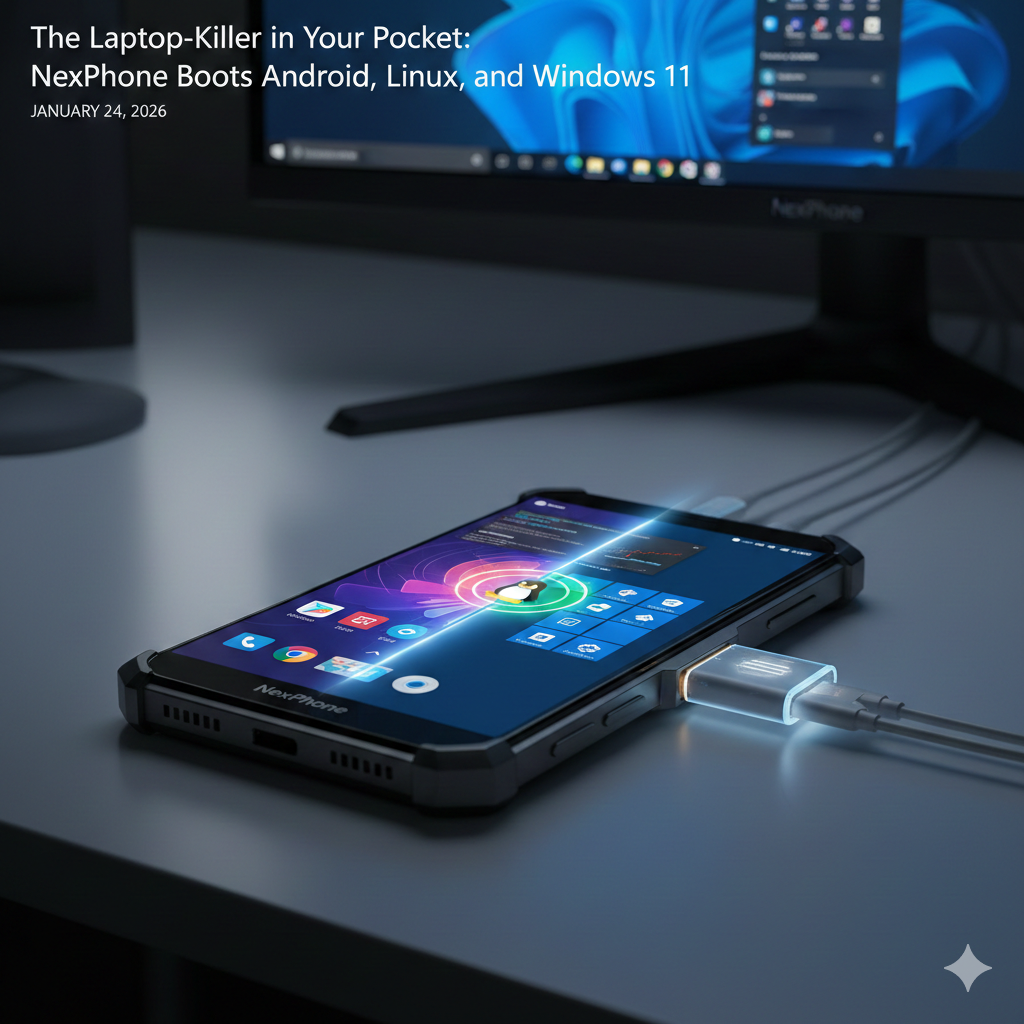
This isn’t just another Android flagship; it is a pocket-sized Swiss Army knife capable of booting Android, Linux, and Windows 11.
Here is the deep dive into how it works, what it costs, and whether it can actually replace your laptop.
Table of Contents
📱 What is NexPhone?
NexPhone is a ruggedized smartphone designed to bridge the gap between mobile mobility and desktop productivity. While most phones offer “desktop modes” (like Samsung DeX), NexPhone runs three distinct operating systems natively on a single piece of hardware.
Key Specifications
- Processor: Qualcomm Dragonwing QCM6490 (an enterprise-grade chip supported until 2036).
- RAM/Storage: 12GB RAM | 256GB Internal (expandable via microSD).
- Display: 6.58-inch FHD+ LCD, 120Hz refresh rate.
- Durability: MIL-STD-810H certified, IP68/IP69K water/dust resistance.
- Battery: 5,000mAh with 18W fast charging and wireless charging support.
⚙️ How to Use All 3 Operating Systems
The NexPhone manages its triple-identity through a custom bootloader and a software layer called NexOS.
1. Android 16 (The Daily Driver)
This is the default OS. It functions exactly like any modern smartphone. You use it for calls, social media, and mobile apps.
2. Debian Linux (The Productivity Layer)
To use Linux, you don’t even need to reboot. NexPhone runs a containerized Debian environment as an “app” within Android.
- How to use: Simply tap the Linux icon. It launches a full desktop environment with GPU acceleration. It is perfect for developers needing a terminal or a full desktop browser on the go.
3. Windows 11 (The “Full PC” Mode)
This is the showstopper. The NexPhone can boot into Windows 11 on ARM natively.
- How to use: You must reboot the device and select “Windows” from the bootloader.
- Mobile UI: On the phone screen, it uses a custom “Tile-based” interface that mimics the look of the old Windows Phones (Nokia Lumia style).
- Desktop UI: Plug it into a monitor via the included USB-C hub, and it transforms into a standard Windows 11 desktop experience.
💰 Expected Price and Availability
As of early 2026, the NexPhone is available for pre-reservation.
- Retail Price: $549 (approx. ₹46,000 – ₹50,000).
- Reservation: A refundable $199 deposit locks in the early-bird price.
- Launch Date: Shipping is slated to begin in Q3 2026.
🧐 Honest Review: Usability & Performance
Is it too good to be true? Here is the reality of using a 3-OS phone:
The Pros
- Unmatched Versatility: Having a full Windows environment for “emergency” desktop work (like a complex Excel sheet or a legacy Windows app) is a lifesaver.
- The Hub is Included: Nex bundles a 5-port USB-C hub in the box, making the transition to desktop mode seamless.
- Longevity: The choice of an enterprise-grade chip ensures the phone won’t be obsolete in two years.
The Cons
- Dated Chipset: The QCM6490 is based on 2021 architecture (similar to the Snapdragon 778G). It handles daily tasks well, but don’t expect to play AAA Windows games or render 4K video.
- Reboot Friction: Switching to Windows requires a full restart, which stops your Android notifications and calls.
- Chunky Design: With its rugged build and 13.1mm thickness, it feels more like a tool than a fashion statement.
📊 Comparison: NexPhone vs. The Competition
| Feature | NexPhone | Samsung S24/S25 (DeX) | Traditional Laptop |
| Operating Systems | Android, Linux, Windows 11 | Android (Simulated Desktop) | Windows or Linux |
| Native Apps | Full .exe and .deb support | Android Apps only | Full Desktop Apps |
| Portability | Pocket-sized | Pocket-sized | Requires a bag |
| Performance | Mid-range | Flagship (Mobile) | High (Desktop/Laptop) |
| Price | $549 | $800+ | $600+ |
🎯 Verdict: Who is this for?
The NexPhone isn’t for the average consumer who just wants a pretty camera. It is a specialized tool for sysadmins, developers, and ultra-mobile professionals who want to leave the laptop at home but need the power of a “real” OS in their pocket.
You may join my Twitter Account for more news updates, Wordle, and more game answers & hints daily.
Beyond the Sidebar: Why Norton Neo is the First AI Browser That Actually Works